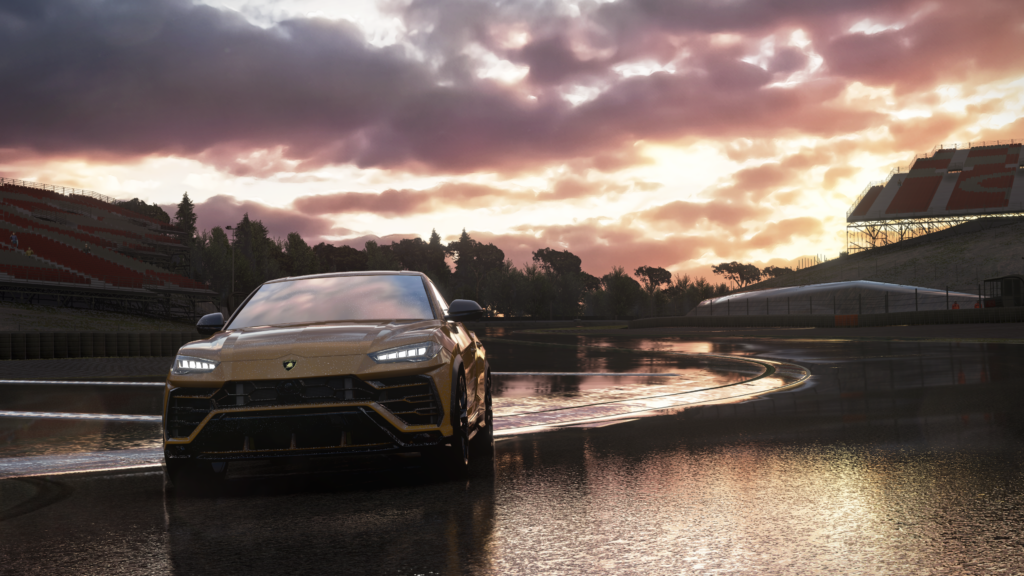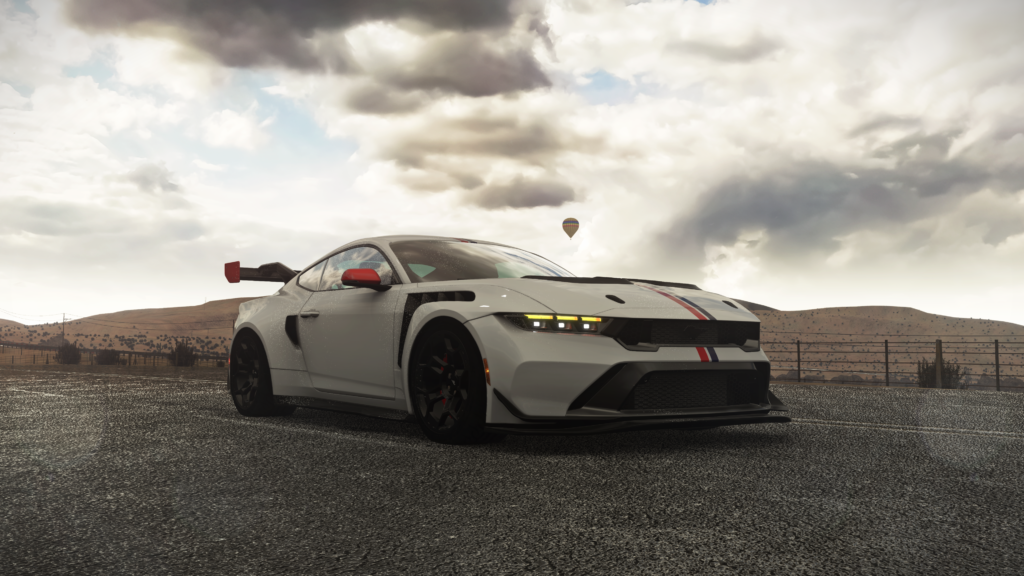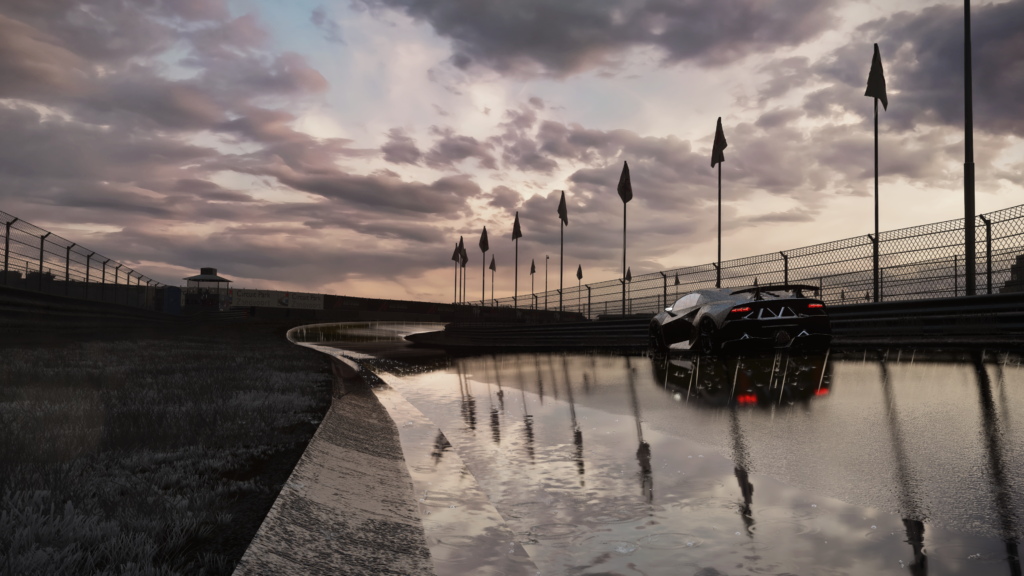
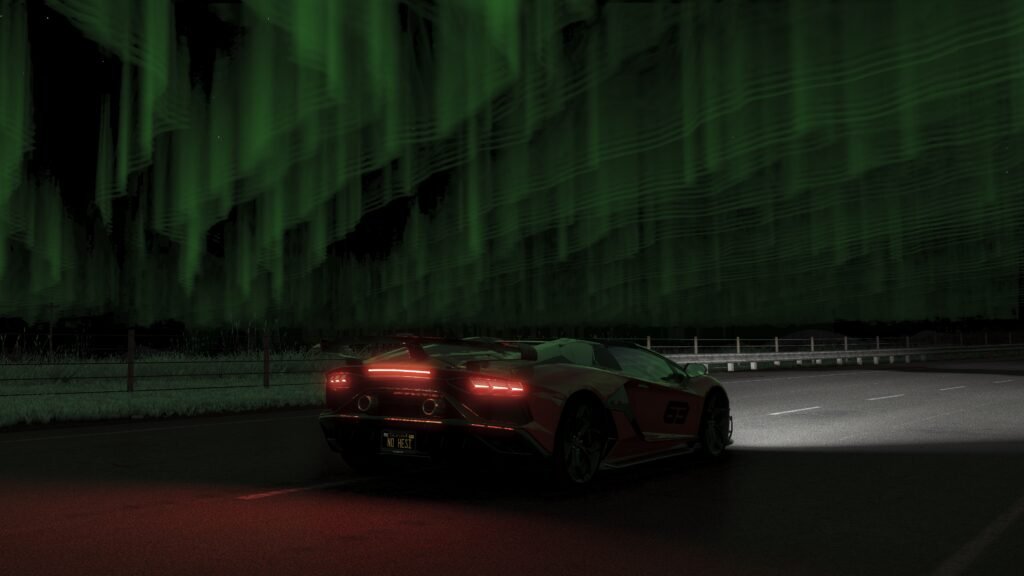
Assetto Corsa Northern Lights works with the Aurora shader, an effect originally designed by x4fab, then integrated natively into Pure by Peter Boese. It adds dynamic Northern Lights to the in-game sky, which can be customised (colour, direction, intensity) directly from Pure. It relies on the new shader integration system introduced in Pure from version 0.203 onwards, which is why it is important to have a sufficiently recent version of Pure before installing it.
Get the Assetto Corsa northern Lights : Prerequisites
You must have already installed Pure 0.203 or a later version (see the previous tutorial) Aurora uses the new PureShaders folder, introduced from this version onwards, in order to be recognised correctly.
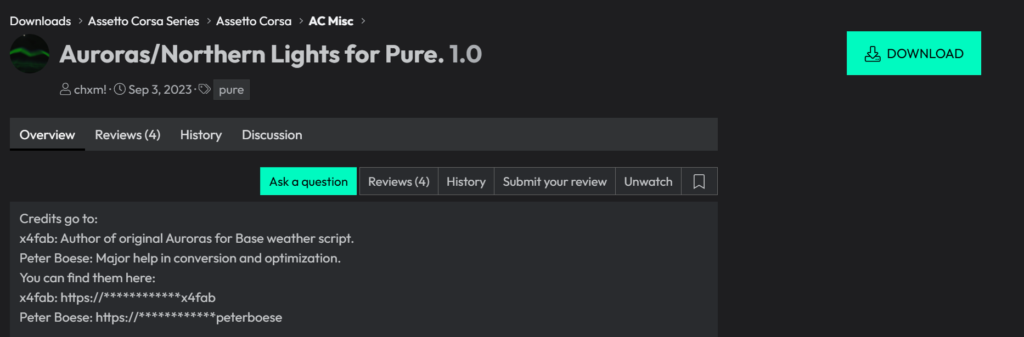
Step 1: Download Aurora
- Go to the download page on Overtake.gg
- You’ll need a free Overtake.gg account to access the download ,create one if you don’t already have one.
- Download the ZIP file provided on the page.
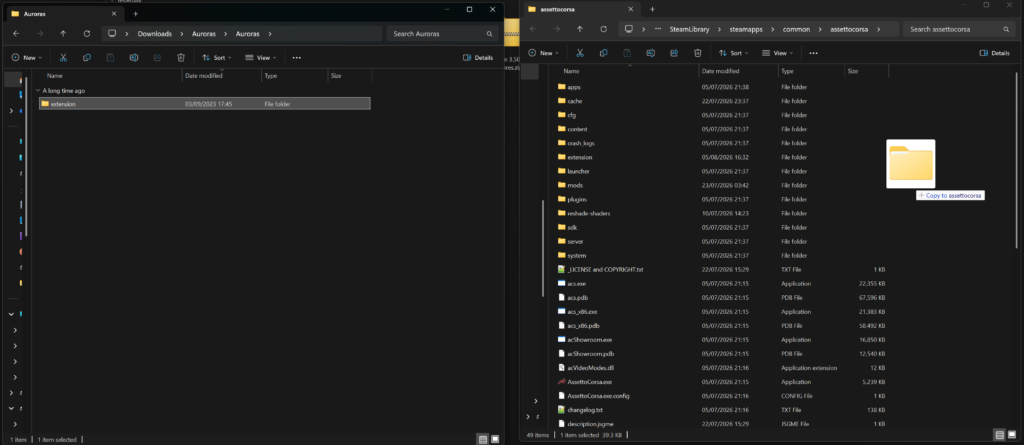
Step 2: Install Aurora into the game files
- Extract the downloaded ZIP file into a temporary folder.
- Open a Windows Explorer window to this extracted folder, and a second one to the Assetto Corsa installation folder (C:\Program Files (x86)\Steam\steam apps\common\assettocorsa).
- Place the two windows side by side, select all the contents of the extracted folder (Ctrl+A), then drag and drop (or copy and paste) them into the assettocorsa folder.
- When Windows asks if you want to replace or merge the existing files, confirm. It is this step that places the shader in the extension\config-ext\PureShaders folder used by Pure.
5. Check in-game: open the Pure Config app, go to Shaders, and you’ll see the aurora extension.
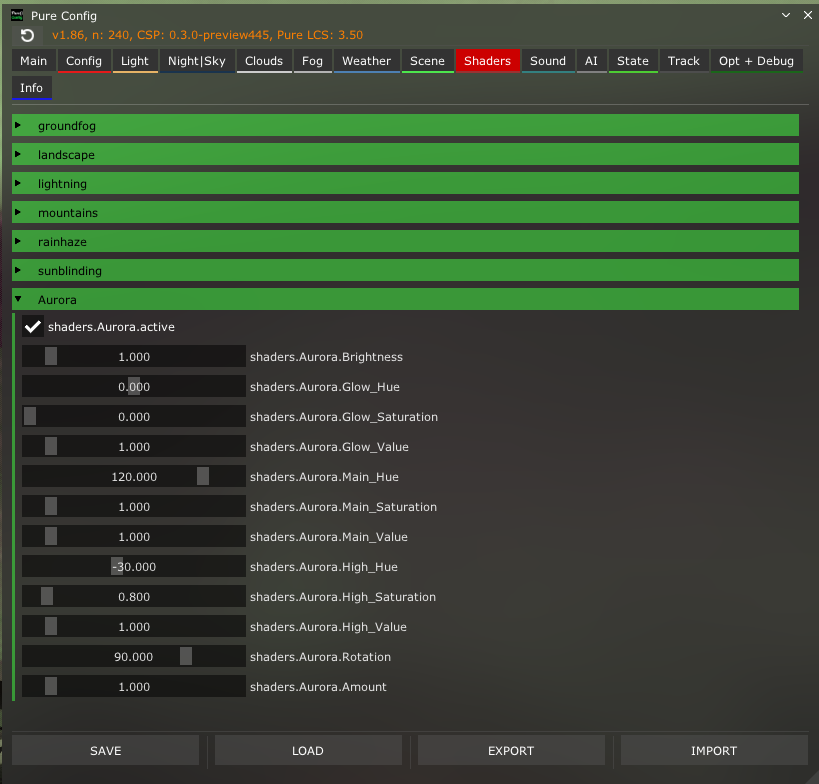
The Aurora shader is now installed in Pure Config, you can now enjoy the magnificent Northern Lights in the game!
Discover others Assetto Share’s tutorials :