WARNING! In this guide, you’ll learn how to install Content Manager & CSP; however, the screenshots used in this tutorial are for illustrative purposes only; please disregard the CSP versions shown in the screenshots it is the steps to follow that are important. Good reading!
Content Manager
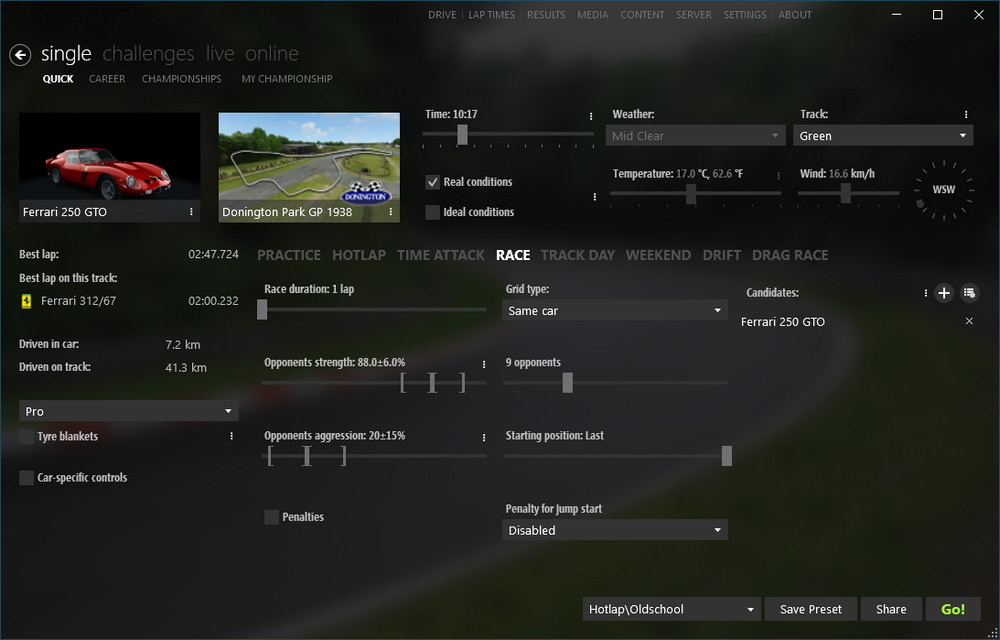
An alternative launcher to the one supplied by default with Assetto Corsa. It centralises the management of cars, tracks and mods, the CSP is installed via this programme and provides access to the graphics settings required for the rest of the process.
The CSP (Custom Shaders Patch)
A patch that modernises the game’s graphics engine (lighting, weather, reflections, shadows). The graphics pack on this site relies entirely on it: without a sufficiently recent version installed, the pack will not work properly. For this reason, in this guide, we will update it via the developer’s Patreon rather than using the default public version.
Step 1: Install Content Manager
- Go to assettocorsa.club and download the Lite version (free, and sufficient for this guide).
- Run the downloaded .exe file.
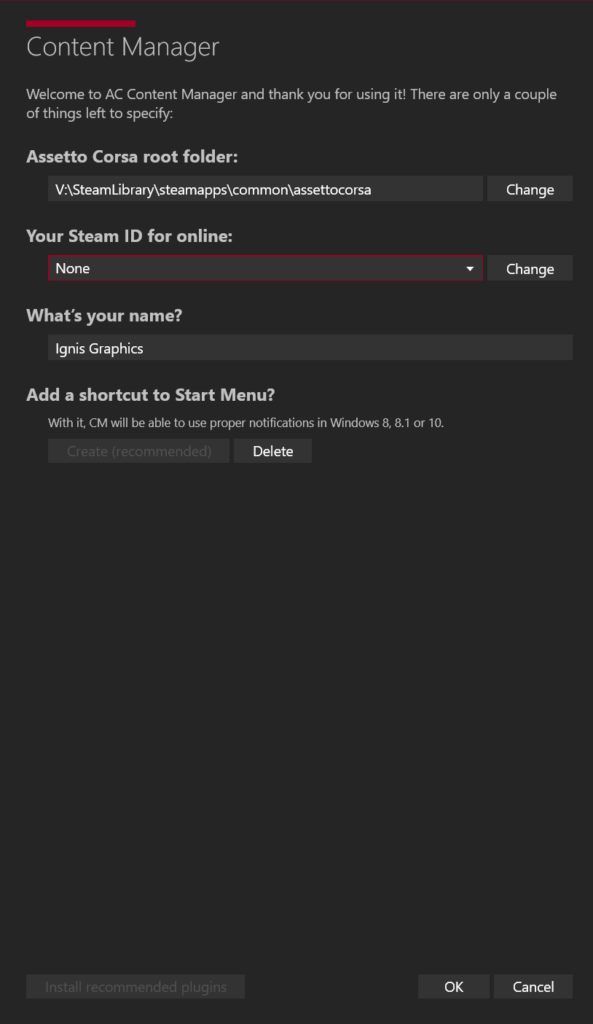
- Content Manager automatically searches for the Assetto Corsa installation folder. If it cannot find it, manually specify the path: …\ Steam\steam apps\common\assettocorsa (Assetto Corsa must have been launched at least once via Steam for this folder to exist). Also install the recommended plugins.
- When you first launch it, Content Manager will ask if you want to replace the default Steam launcher: accept this, so that you can launch the game directly from it in future.
Step 2: Install the public version of the CSP
- Step 2: Install the public version of the CSP
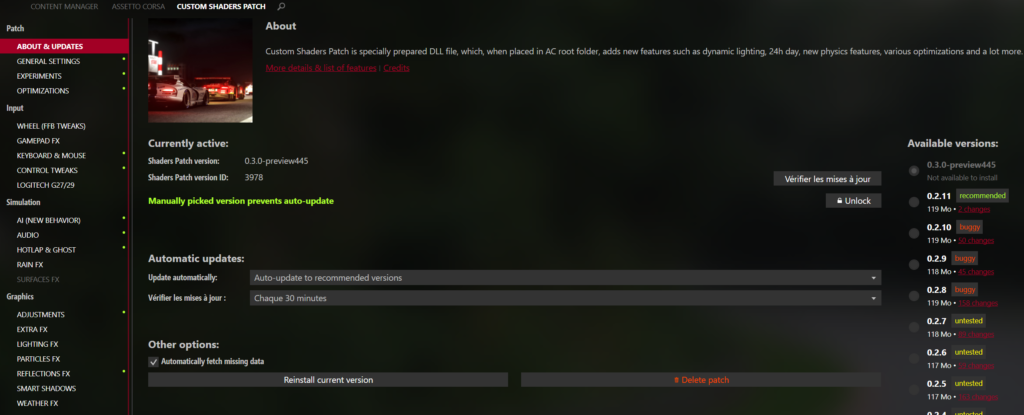
- In Content Manager, open the Settings tab
- Click on the custom Shaders patch entry in the settings menu.
- Click install, then select the version marked ‘Recommended’.
- Wait for the download to complete, then restart Content Manager if prompted.
- Check that a version number is now displayed in this tab — this confirms that the patch is active.
This public version works, but it is often behind the latest features and fixes. The next step will help you get the most up-to-date version.
Step 3: Update the CSP via Ilja Jusupov’s Patreon
Developer of CSP and Content Manager. He releases his latest versions first on his Patreon, before they reach the public Content Manager channel. This is the version you need to download to get the most out of the pack.
- Go to patreon.com/x4fab.
- Sign up as a member (subscriptions start from $1/month) to get the latest version of CSP.
- Browse the recent posts: each one contains a download link for the latest version of CSP (sometimes labelled as a preview, which is ahead of the public release).
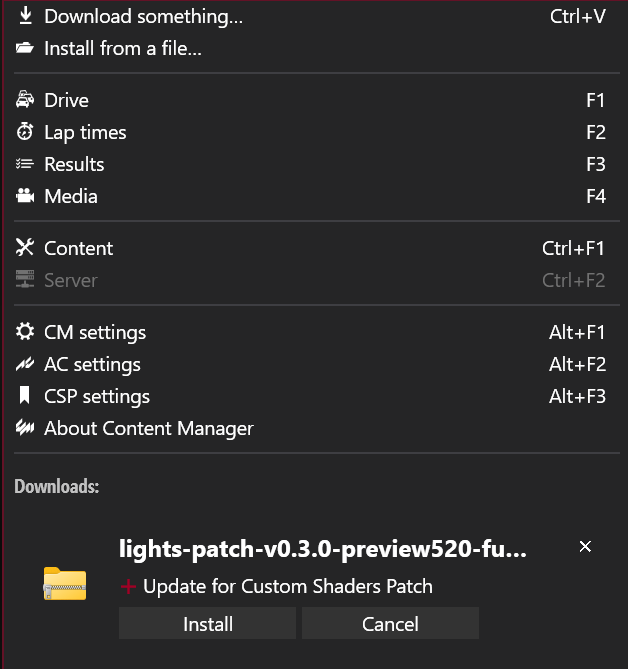
- Click on this link from the same computer on which Content Manager is installed: it will open automatically in Content Manager and prompt you to start installing this build.
A confirmation window will appear in Content Manager: confirm the installation.
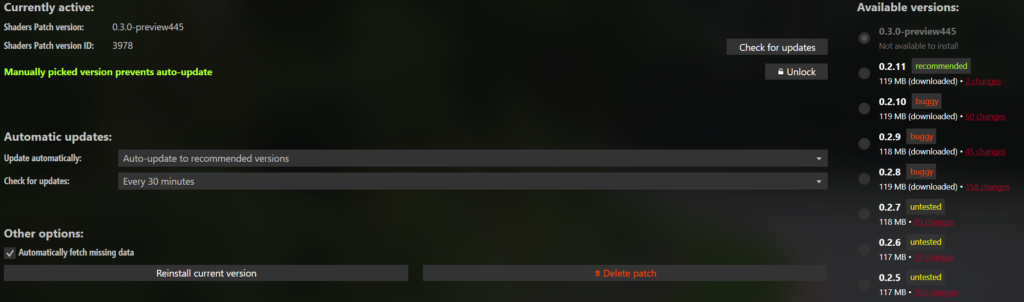
Once the download is complete, go back to Settings > Custom Shaders Patch and check that the version number displayed matches the one announced in the Patreon post.
Restart Content Manager so that the new build takes effect.
The installation of Content Manager and the CSP is now complete; you can follow the same procedure to update the CSP.
DIscover others Assetto Share’s tutorials :